

The Tesla Model 3 key card is designed to be the most dependable way into the car. It has no battery, it fits in a wallet and it works even when the phone is dead. So when the card stops working, owners are understandably confused. The car does not unlock when the card is tapped, or it unlocks but refuses to shift into gear. The cause is rarely the card alone. A Model 3 grants access through a short chain of steps, and a failure anywhere along that chain can look like a broken card. For Chicago drivers used to traditional car key replacement, the Model 3 works differently, and understanding the chain is the fastest way to find the real problem.
The access chain has four links: the card itself, the card reader that reads it, the car's list of authorized keys and the vehicle's electrical system that powers everything. Working through each link in order usually reveals which one has failed.
How the Model 3 Key Card Works
The key card is a passive credential. It contains a small chip and antenna that respond when held very close to a card reader. On most Model 3 vehicles, the reader for unlocking sits on the driver's side door pillar, just below the camera. To drive, the card is placed on the center console in the area behind the cupholders, where a second reader confirms the card is present.
Because the card has no battery, it does not wear out the way a fob battery does. It also has very short range, which means it must be placed precisely on the reader. Many card problems turn out to be positioning issues rather than failures.
The Authorized Key List
The Model 3 keeps a list of every key authorized to access it: phone keys, key cards and optional key fobs. A card only works if it is on that list. Cards can be removed from the list through the touchscreen, and a card that was removed, intentionally or by mistake, will stop working even though it is physically fine. Checking the list is one of the most important steps when a card stops responding.
Link One: The Card Itself
Cards are durable, but they can be damaged. Bending a card, cracking it or exposing it to strong heat can break the small antenna inside. A card that has been carried in a back pocket for years may develop hidden damage from repeated flexing. If a card shows visible cracks or creases, damage is a likely cause.
Cards can also be affected by their surroundings. A card stored next to other contactless cards, such as transit or building access cards, may not read reliably if the reader sees several cards at once. Holding the Tesla card alone, separated from other cards in a wallet, is a simple test that often solves the problem.
Positioning the Card Correctly
The reader needs the card very close and in the right spot. Tapping too quickly, holding the card at an angle or placing it slightly off the reader can all prevent a successful read. Holding the card flat against the door pillar reader for a second or two, and placing it squarely on the console reader to drive, resolves many apparent failures.
Link Two: The Card Readers
If a known good card does not work at the door pillar, the reader may be the problem. Readers can be affected by damage, moisture or electrical faults. A useful check is whether the card works at one reader but not the other. If the card unlocks the car at the pillar but the car will not drive with the card on the console, the console reader or its placement area deserves attention, and the reverse is also true.
Aftermarket accessories can interfere as well. Phone mounts, magnetic cases, console organizers or wraps placed over the reader areas can block or weaken the signal. Removing anything placed over or near the readers is an easy step before assuming a hardware fault.
Testing With a Second Card
Most Model 3 vehicles are delivered with two key cards. Trying the second card is the quickest way to separate a card problem from a reader problem. If the second card works, the first card is likely damaged or no longer authorized. If neither card works at the same reader, the reader or the car is the likely cause.
Link Three: The Key List and Software
When a card that once worked suddenly stops, the key list should be checked on the touchscreen. If the card is missing, it was removed and must be added again. Adding a card requires an authorized key, such as a working phone key or another paired card, to approve the addition through the car's lock settings.
Software updates can also affect access temporarily. A car that is in the middle of an update may not respond normally until the update finishes. If access problems appear during or immediately after an update, waiting for the process to complete and then trying again is a sensible first step.
The Phone Key as a Backup
The phone key offers another way to confirm whether the car is responding normally. If the phone key works while the card does not, the car's access systems are functioning and the problem is limited to the card or its reader. If the phone key also fails, the issue is more likely in the car.
Naming Cards to Avoid Confusion
Giving each card a clear name in the key list, such as the name of the person who carries it, makes it much easier to manage cards later. If one card is lost, it can be removed by name without affecting the others, and there is no guesswork about which card is which.
Reviewing the List After Changes
It is worth reviewing the key list after any change in the household, such as a new driver, a lost wallet or the sale of a second vehicle that shared cards. Removing any card that cannot be accounted for keeps the list accurate and prevents a stray card from opening the car. For Chicago owners who use valet parking or shared garages, this review also confirms that no temporary access was left in place.
Link Four: The Vehicle's Electrical System
The Model 3 depends on its low voltage battery to power the systems that read key cards and unlock the doors. When that battery weakens, the car may stop responding to the card, the phone key and even the touchscreen. Chicago winters place extra strain on the electrical system, and a car that has been parked outside in the cold for several days may be slow to wake.
Other symptoms usually appear alongside a low voltage problem, such as warnings on the screen, slow response or doors that do not behave as expected. In those cases, the electrical system should be addressed before the card is blamed.
When Every Key Fails
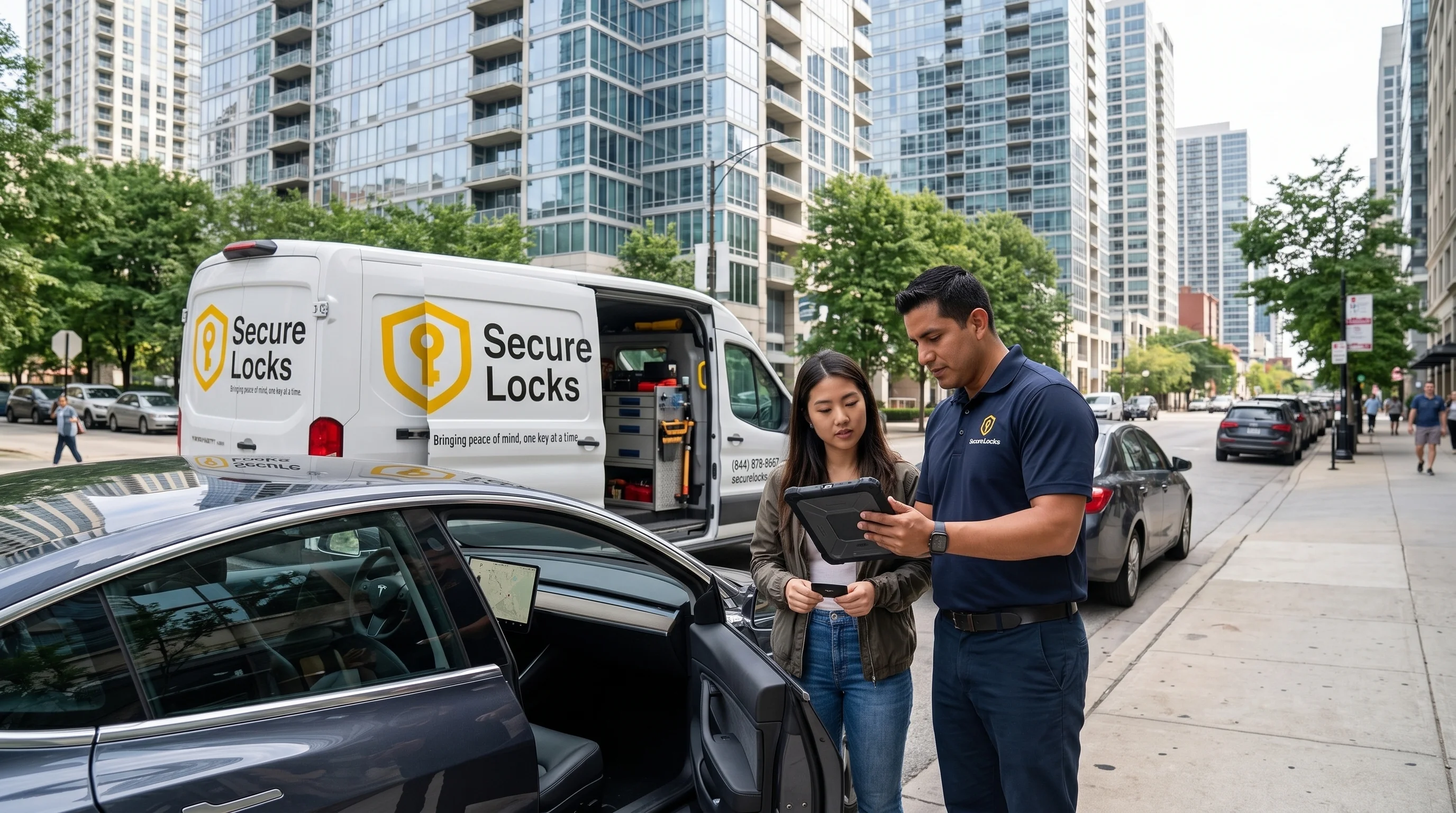
If the cards, the phone key and any fob all fail at the same time, the problem is in the car, not the keys. At that point, a car locksmith familiar with Tesla vehicles can come to the car, check the low voltage system, confirm which credentials are still authorized and restore access after verifying ownership.
Keeping a Credential Ready Before Car Key Replacement Is Needed
The single most useful habit for a Model 3 owner is keeping more than one working credential at all times. A key card in a wallet, a phone key that has been tested after every phone upgrade and, ideally, a second card stored at home give several independent ways into the car. If one fails on a frozen Chicago morning, another can get the driver moving while the first is sorted out. Cards are thin and easy to misplace, so checking that every listed card is still in someone's possession every few months is worthwhile. Owners who rely only on the phone key should be especially careful, since a dead phone battery or a forgotten phone leaves no backup at all unless a card is close at hand.
How This Differs From Traditional Car Key Replacement
On most vehicles, a lost or damaged key means cutting a new blade and programming a new transponder or fob. On a Model 3, a replacement card is paired through the car's access system rather than cut, but the result is the same: a credential the car recognizes. A mobile car locksmith equipped for Tesla vehicles can supply a compatible card or fob, pair it on site, remove any lost card from the key list and test every function before leaving. Keeping at least one authorized credential available makes that visit quick, but the locksmith can help even when every credential is gone.
For households in Chicago that drive both a Tesla and a conventional car, the difference matters. A Model 3 card problem usually comes down to the card, the reader, the key list or the car's electrical system, while a lost key for the other vehicle calls for conventional car key replacement, with a cut blade and a programmed key. The same mobile locksmith can handle both.