

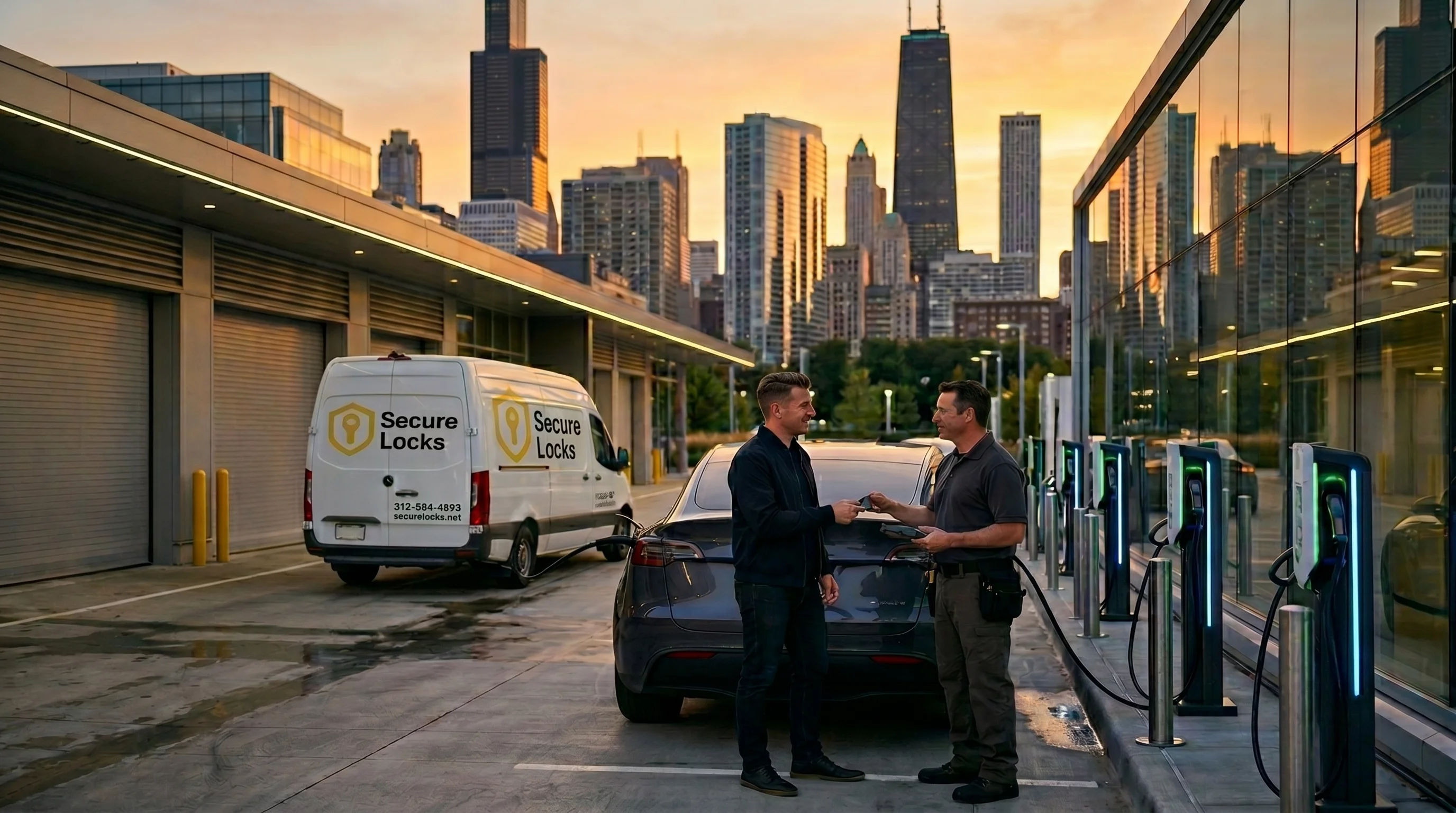
Experiencing issues with your Tesla key fob can be frustrating, especially when it stops responding unexpectedly. This issue not only disrupts your daily routine but can also leave you feeling stranded, particularly in a bustling city like Chicago. Understanding the potential causes and solutions for your Tesla key fob issues is essential, especially when considering car key replacement options.
Common Reasons Your Tesla Key Fob Isn’t Responding
When a Tesla key fob fails to respond, several factors may be at play. Here are some common reasons that Chicago drivers should check before considering car key replacement:
1. Battery Issues
One of the most frequent culprits behind a non-responsive key fob is a dead or low battery. Key fob batteries typically last for a few years, but environmental factors, such as extreme temperatures in Chicago, can shorten their lifespan. To check if the battery is the issue:
- Replace the battery: If the key fob is not responding, consider replacing its battery. This is a straightforward process that most Tesla owners can perform at home. Ensure you use the correct battery type, typically a CR2032 for Tesla key fobs.
- Test the key fob:After replacing the battery, test the key fob again. If it works, you've resolved the issue without needing acar key replacement.
2. Signal Interference
In urban areas like Chicago, signal interference can occur due to various electronic devices or obstacles. Key fobs operate on radio frequencies, which can be disrupted. Here’s what to consider:
- Move away from potential interference: Try using the key fob away from electronic devices, metal objects, or other vehicles that may cause disruptions.
- Check proximity: Ensure you are within the appropriate range of your Tesla. If you are too far, the key fob may not communicate with the vehicle.
3. Software Glitches
Like any electronic device, Tesla key fobs can experience software issues or glitches. Here are steps to troubleshoot:
- Reset the key fob: Tesla vehicles often allow for key fob resetting. Consult your vehicle’s manual for instructions on how to reset the key fob. This process can sometimes restore functionality.
- Update your Tesla's software: Make sure your vehicle's software is up to date. Tesla frequently releases updates that can enhance functionality and fix existing bugs. You can check for updates through the Tesla app or the vehicle’s touchscreen.
4. Physical Damage
Physical damage to the key fob can also cause it not to respond. Inspect the fob for any signs of wear and tear, such as cracks or broken components. If you notice any physical damage, you may need to consider a car key replacement.
- Consult a professional: If the key fob is damaged, it is advisable to contact a professional locksmith or Tesla service center in Chicago for assistance.
5. Key Fob Not Registered
In some cases, the key fob may not be properly registered with the vehicle. This can happen after purchasing a used Tesla or if there have been software changes.
- Re
- register the key fob: Refer to the vehicle’s manual on how to add or re-register a key fob. This process typically involves accessing the vehicle's settings through the touchscreen.
When to Consider Car Key Replacement
If the above troubleshooting steps do not resolve the issue, it may be time to consider a car key replacement. Here are signs that indicate you should take this step:
- Repeated issues: If the key fob continues to malfunction even after replacing the battery and resetting it, a replacement may be necessary.
- Lost key fob: If the key fob is lost, a replacement is essential for regaining access to your vehicle. Tesla offers replacement services, but it’s also wise to consult a local locksmith.
- Permanent damage: If physical damage is severe, a replacement will be the best option. A professional can provide guidance on the next steps.
How to Get Car Key Replacement in Chicago
In Chicago, accessing car key replacement services is straightforward. Here’s how to navigate the process:
1. Contact a Local Locksmith
Finding a reliable locksmith who specializes in automotive services is crucial. Look for one that offers car key replacement for Tesla vehicles.
- Emergency services: Many locksmiths provide 24/7 emergency services, which can be particularly helpful if you find yourself locked out of your vehicle.
- Professional expertise: A professional locksmith can assist with programming and cutting a new key fob, ensuring it works seamlessly with your Tesla.
2. Visit a Tesla Service Center
If the situation is more complex, visiting a Tesla service center in Chicago may be necessary. Tesla’s technicians are trained specifically for their vehicles and can handle key fob issues efficiently.
- Warranty considerations: If your Tesla is still under warranty, it may cover key fob replacement, so check your warranty details before proceeding.
3. Online Replacement Services
Many online services offer key fob replacements for various car brands, including Tesla. However, ensure you choose a reputable service to avoid any issues with compatibility.
- Research reviews: Before committing to an online service, research customer reviews and ratings to ensure reliability.
Experiencing a non-responsive Tesla key fob can be inconvenient, especially in a vibrant city like Chicago. By understanding the common issues and potential solutions, Tesla owners can save time and avoid unnecessary car key replacementcosts. Whether it’s replacing a battery, addressing signal interference, or consulting a professional locksmith, these steps can help restore access to your vehicle. For more information oncar key replacement services, visit our car key replacement page.