

Experiencing issues with your Hyundai remote can be frustrating, especially when you’re in a hurry. Whether you're trying to unlock your doors or start your engine, a malfunctioning remote can disrupt your day and leave you feeling helpless. Fortunately, there are several common causes for a remote not responding that you can investigate before seeking professional assistance.
Check the Battery
One of the first things to consider when your Hyundai remote isn’t working is the battery. Key fob batteries tend to wear out over time, and low battery power can lead to diminished functionality. If your remote has been acting up, replacing the battery is a simple first step.
- Battery Type: Most Hyundai remotes use a standard CR2032 battery. Check your owner's manual for the specific battery type required for your model.
- Replacement Process: To replace the battery, carefully open the remote using a small screwdriver or a coin. Make sure to note how the battery is positioned so you can insert the new one correctly.
If replacing the battery doesn’t solve the problem, it’s time to look at other potential issues.
Interference from Other Devices
Sometimes, interference from other electronic devices can prevent your remote from functioning properly. This could be due to:
- Radio Frequency Interference: Items such as cell phones, antennas, or other key fobs can disrupt the signal.
- Location: If you are in an area with high radio frequency traffic, such as near a radio tower or certain electronic equipment, this can affect your remote’s functionality.
If you suspect interference, try using your remote in a different location. If it works elsewhere, the issue is likely due to interference, not a fault with your remote.
Key Fob Damage
Physical damage to your key fob can also lead to malfunctions. Common signs of damage include:
- Cracks or Breaks: Inspect your remote for any visible cracks or breaks in the casing that could affect the internal components.
- Water Damage: If your remote has been exposed to moisture, water damage may cause the buttons to stick or fail to respond.
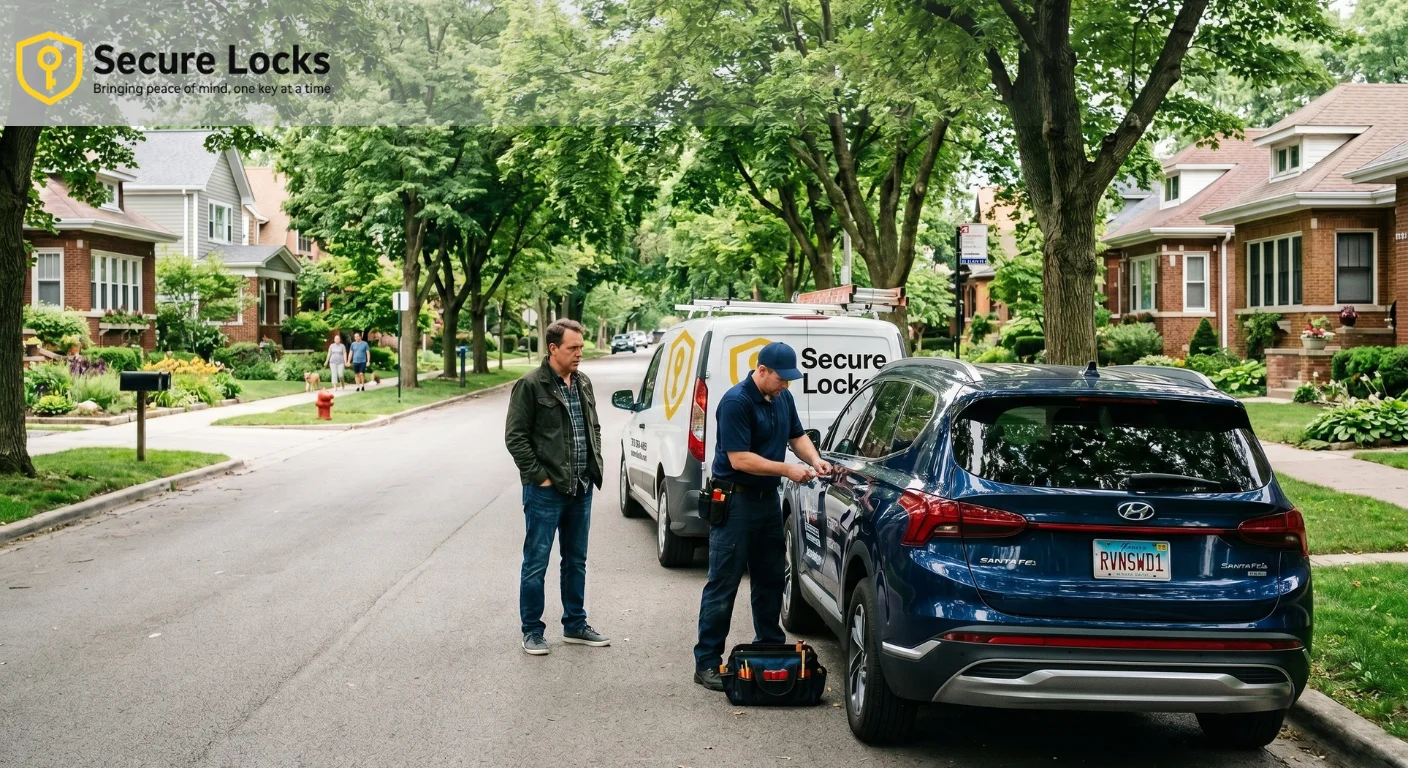
If you find any signs of damage, you may need to replace your key fob. This is where professional services come in handy. Contact a locksmith who specializes in car key replacement for assistance.
Reprogramming the Remote
If your remote has stopped working suddenly, it may need to be reprogrammed. This can be necessary if:
- Battery Replacement: If you replaced the battery, it may require a reset or reprogramming.
- Key Fob Malfunction: Sometimes, the remote can lose its pairing with the vehicle.
Reprogramming your remote can often be done at home, but the process can vary by model. Here’s a general guide to reprogramming your Hyundai remote:
- Enter the Vehicle: Get into your Hyundai and close all doors.
- Turn on Ignition: Insert the key and turn the ignition to the "ON" position without starting the engine.
- Press the Lock Button: Within 10 seconds, press and hold the "Lock" button on the remote for about 5 seconds.
- Turn off the Ignition: Turn the key back to the "OFF" position and exit the vehicle.
Try using the remote again to see if it works. If you still have issues, consider seeking professional help.
Key Fob Compatibility
If you recently acquired a new key fob, it’s essential to ensure that it’s compatible with your specific Hyundai model. Not all remotes work for every vehicle, and using an incompatible key fob will definitely cause it not to respond.
- Check Your Model: Refer to your owner's manual or consult a professional to confirm that your remote is the correct one for your model year.
- Visit a Dealer or Locksmith: If you need a new key fob, visiting your local dealer or a trusted locksmith can provide you with the right replacement.
Faulty Receiver in the Vehicle
Occasionally, the problem may not lie with the key fob but rather with the vehicle's receiver. The receiver is responsible for communicating with the key fob, and if it’s malfunctioning, your remote may not work.
- Symptoms of a Faulty Receiver: If the remote works sporadically or only at close range, the receiver might be failing.
- Professional Diagnosis: Have a qualified technician inspect the vehicle’s receiver. They can perform tests to determine if the receiver needs to be repaired or replaced.
Conclusion: Next Steps for Your Hyundai Remote Issues
When your Hyundai remote is not responding, it can feel overwhelming, but understanding the common causes can help you troubleshoot the problem effectively. Start by checking the battery, and if that doesn’t work, consider interference, physical damage, or the need for reprogramming. If all else fails, consult with a professional locksmith for assistance.
For more information on car key replacement and related services, visit our car locksmith services page. Whether you need help with ignition switch repair or a swift key replacement, our team is here to assist you. Don't let a malfunctioning remote disrupt your day, take action and get back on the road.